Building on a solid foundation with Angular 22
Stable signals, better templates, and performance by default

How I used Claude Code and the grill-me skill to finally plan a proper cleanup of my website codebase.
Eelco Bosklopper - 2 min read
I recently started using Claude Code to tackle a long-overdue codebase cleanup, and the experience was smoother than I expected, largely thanks to Matt Pocock's "grill-me" skill.
The idea behind the skill is simple: you describe a goal, and the AI asks targeted questions until it fully understands what you actually want. I kicked things off with:
/grill-me I want to modernize the codebase, do a good cleanup, and incorporate AI in the workflows.
Before asking a single question, Claude audited the project. It surfaced an outdated Next.js version, a legacy Pages Router setup alongside an abandoned App Router directory, magic numbers scattered throughout, zero test coverage, and a CI pipeline with no quality checks.
With that picture in hand, it started grilling me:
Claude's first proposal was cleanup, then tests, then migration. Reasonable, but wrong order for my needs. I pushed back since I wanted tests and linting in place before touching anything, so the site couldn't quietly break during refactoring.
Claude adjusted without friction:
dangerouslySetInnerHTMLCLAUDE.md, blog drafting scriptOnce the plan was finalised, Claude created a GitHub issue capturing every step and the reasoning behind each decision. That's not just tidiness — it means any agent or human picking up the work later can immediately understand the context and continue without a handoff conversation.
What struck me most wasn't the technical output, it was the back-and-forth. The grill-me skill forced the planning to be explicit, which surfaced assumptions I hadn't considered. The result is a phased, reviewable refactor I can execute in small pull requests, with tests proving nothing broke along the way.
If you're staring down a messy legacy project, having an AI help you plan the work rather than just do it might be the most underrated part of the whole workflow.

Stable signals, better templates, and performance by default

A language of life

A guide to copying JS arrays & objects; safely

A brief, practical tour of the new Signal Forms in Angular—setup, validation, template binding, and submission.
Signal-driven, reactive, and zoneless
Paving the way to exciting features
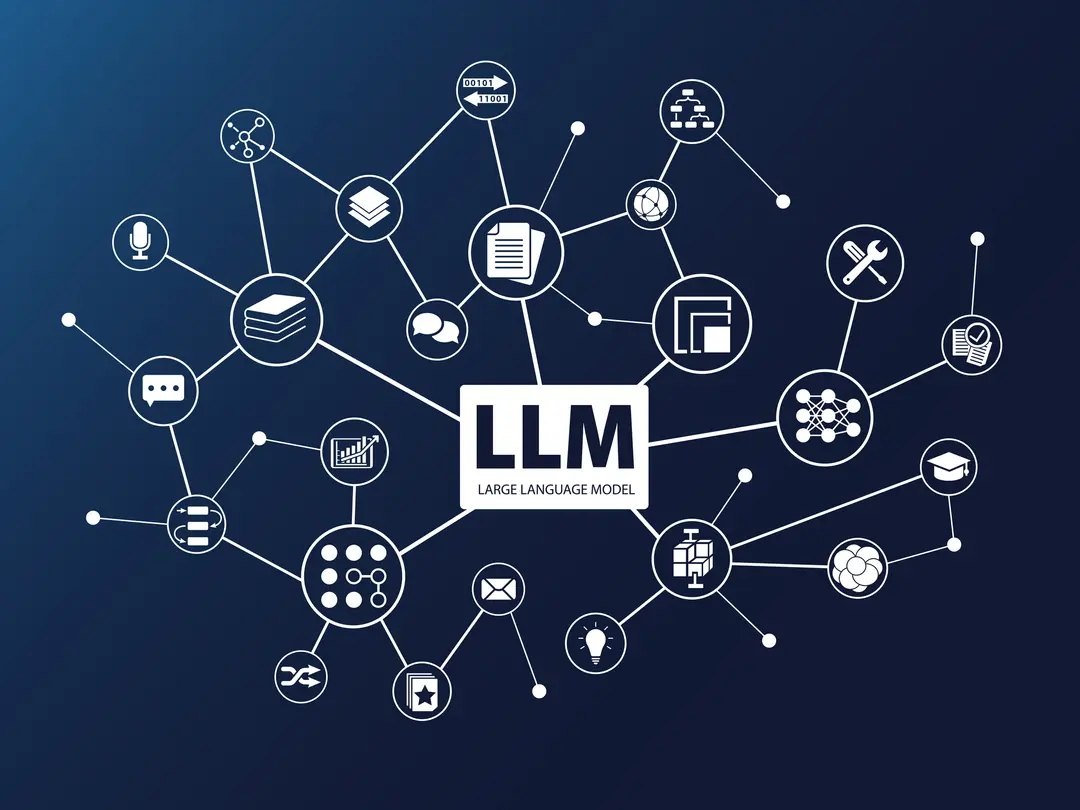
Let’s dive into the world of LLMs and explore how tools like LangChain make it easy to create more dynamic applications.
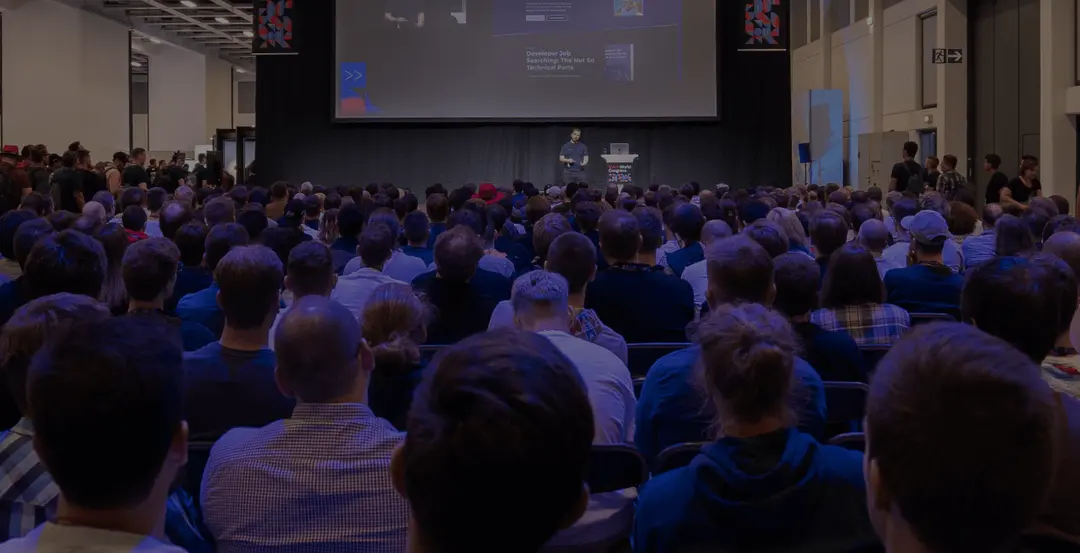
This is how I got into conference speaking as a software engineer, and how you can too.
Developer happiness, aiming for the next level!

Let’s dive into why web accessibility matters with tips to ensure your site works for everyone.
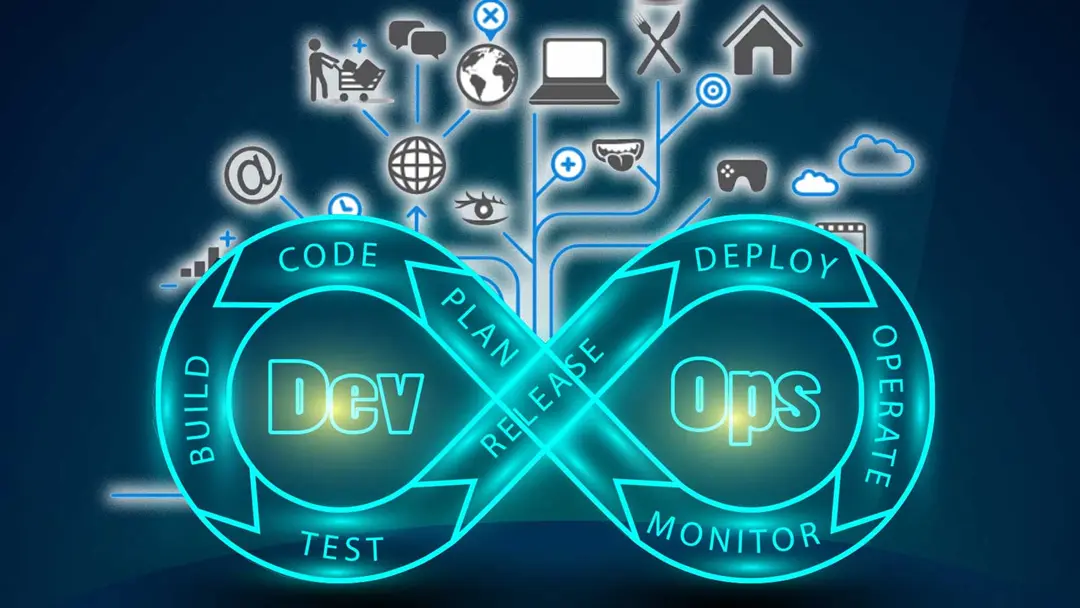
Expanding Your skillset for the Modern Job Market
Get ready to get the nitty gritty of our lovely framework
The eternal debate: Angular vs. React. It's like pineapple on a pizza, a discussion that never ends.

The secrets of Angular, new computed signals versus old getters
A look at some of the new exciting features in TypeScript 5.5
The new reactivity system for at least the next 10 years of Angular.
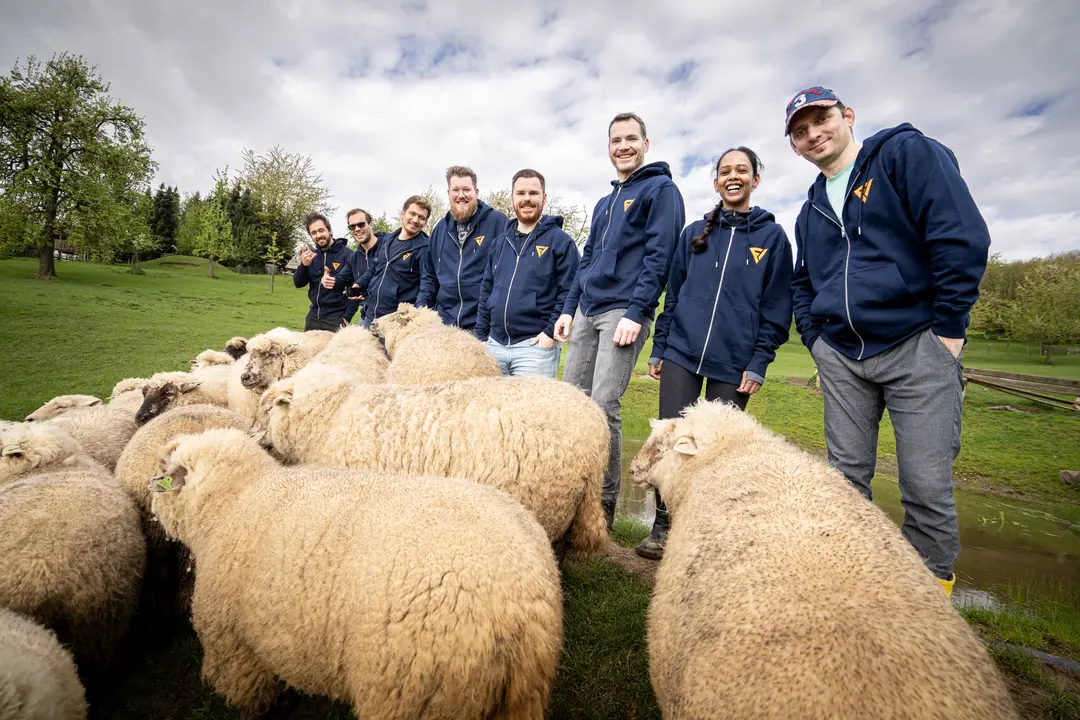
The team building and learning experience of the FrontValue Hackathon 2024.
Let's take a look at the improvements and new parts of React 19
How to share components across different frameworks from a single code base? How to implement Lit (web components) to React & Angular?
Running multiple applications together with Nx Monorepo.